Your Business Card Command Center
Scan business cards and turn them into clean, searchable contacts. Save them to iPhone Contacts, or export CSV and vCard files whenever you need them.
For iPhone and iPad.
AI OCR tuned for business cards
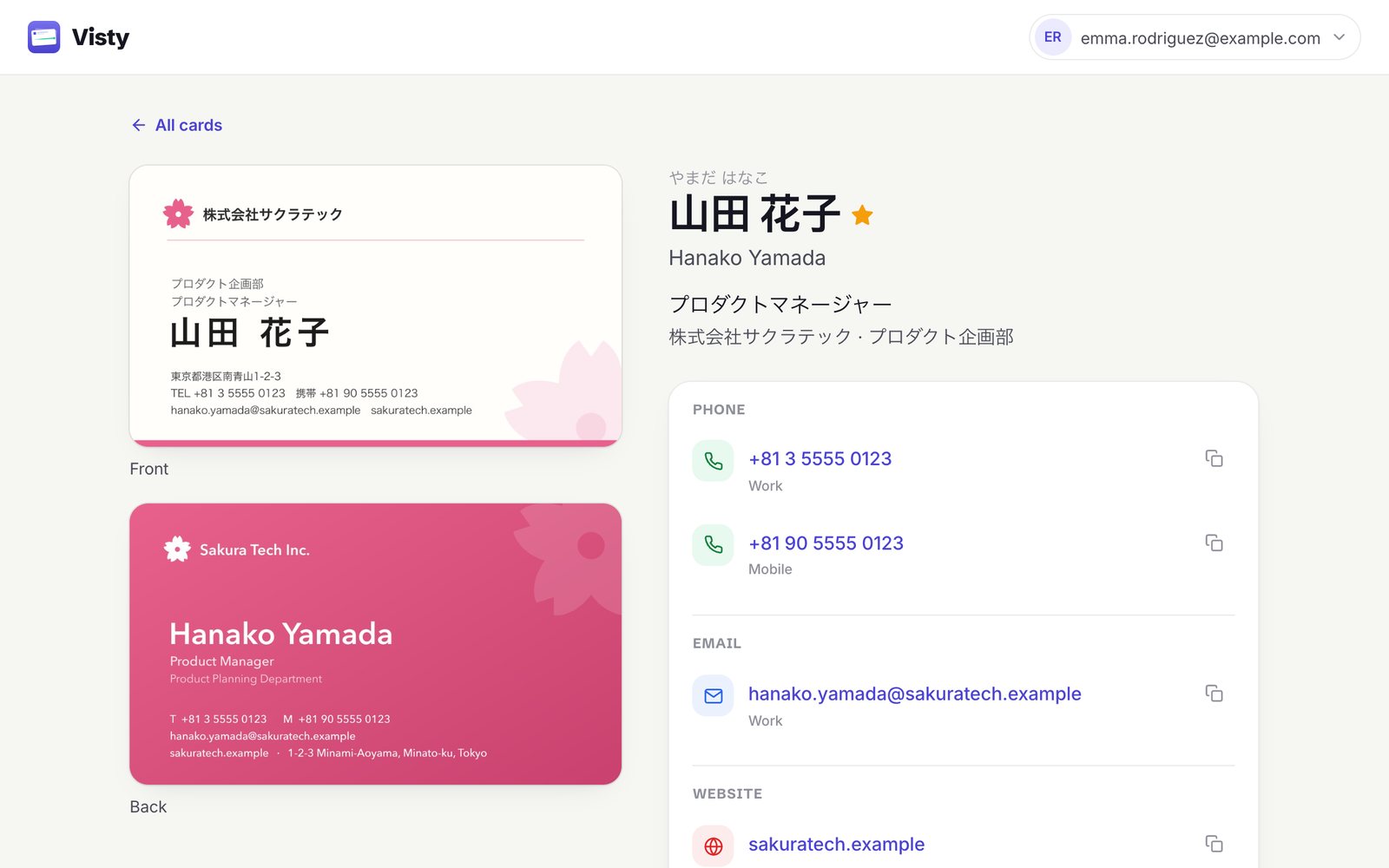
Smart field detection; check or edit any field in a tap.
Reads cards on-device
Text recognition runs on your iPhone; card photos and details are kept in your Visty account.
Seamless sync
Your cards stay in sync on your iPhone and iPad.
Exports that work
Share a vCard or download a CSV in one tap.

Built for people who collect cards
From capture to your contacts: Visty keeps every business card structured and searchable, and exports to iPhone Contacts, CSV, and vCard.
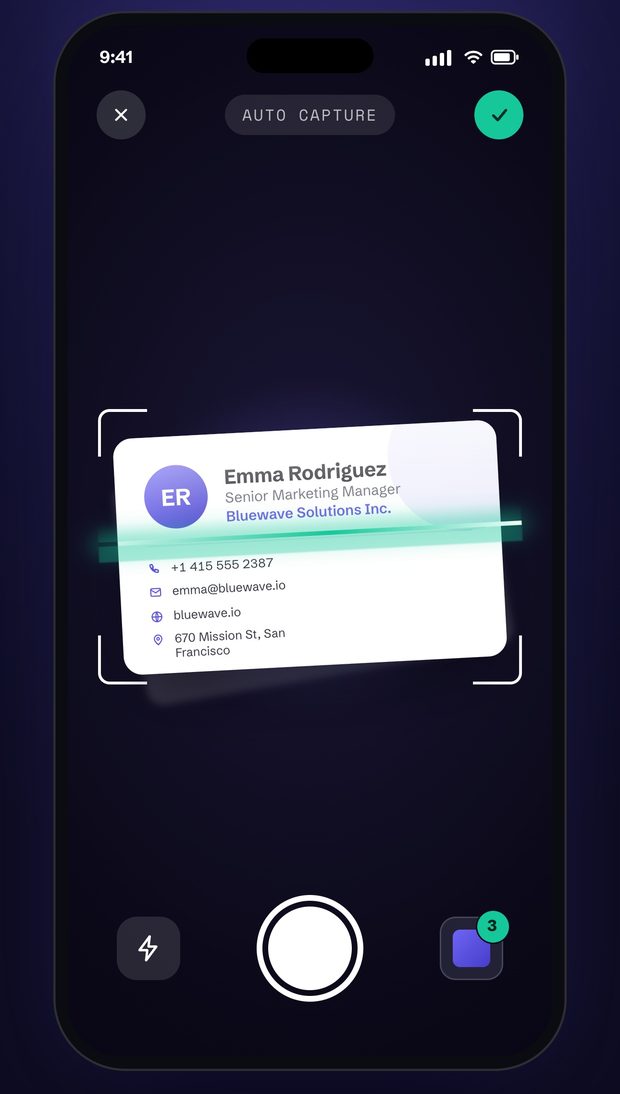
Auto Scan & Multiple Card Scanning
Capture a whole stack of cards in one session — Visty reads each one and turns it into a contact.
Instant Scanning
The camera finds the card's edges and captures it automatically.
AI Field Detection
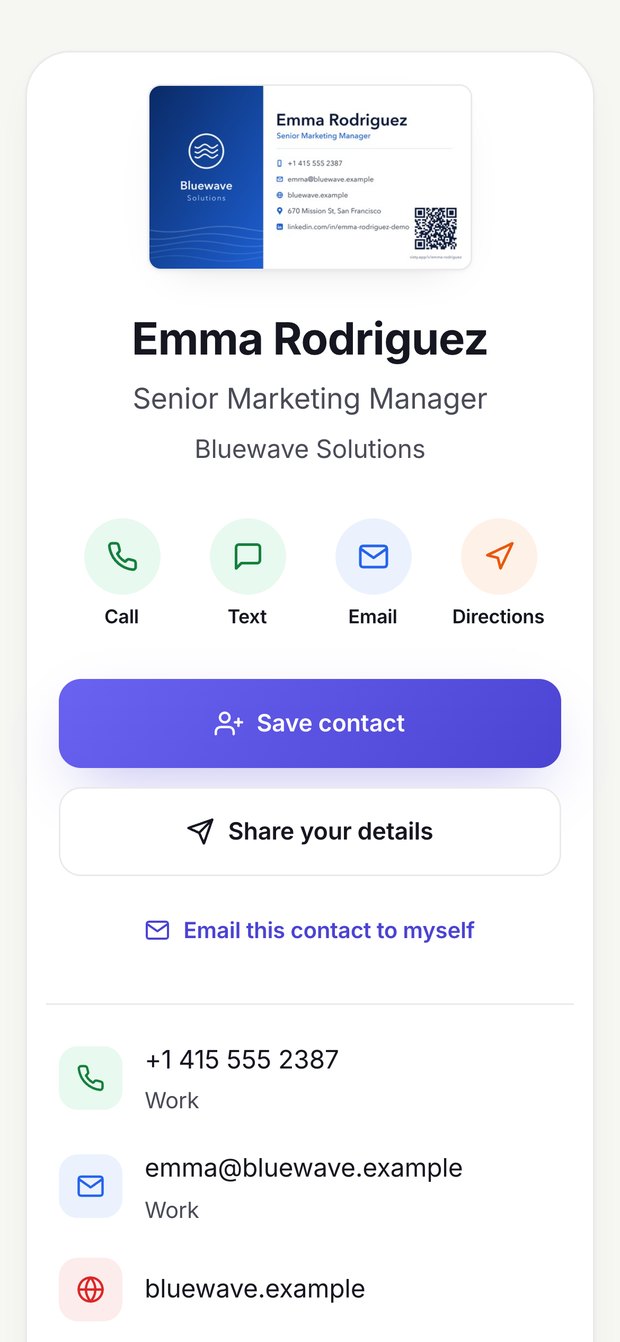
AI sorts names, job titles, phone numbers, and emails into contact fields.
Batch Processing
Scan several cards in a row and review them together.

Easy Storage & Management
Store and manage all your business cards in one smart, digital place, accessible anytime, anywhere.
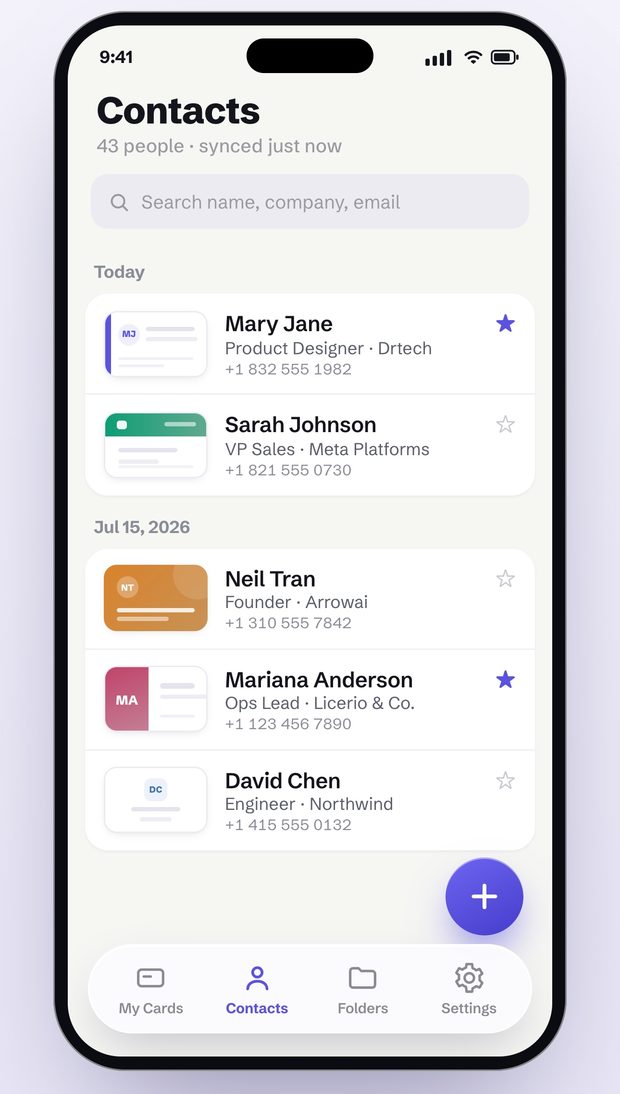
Centralized Database
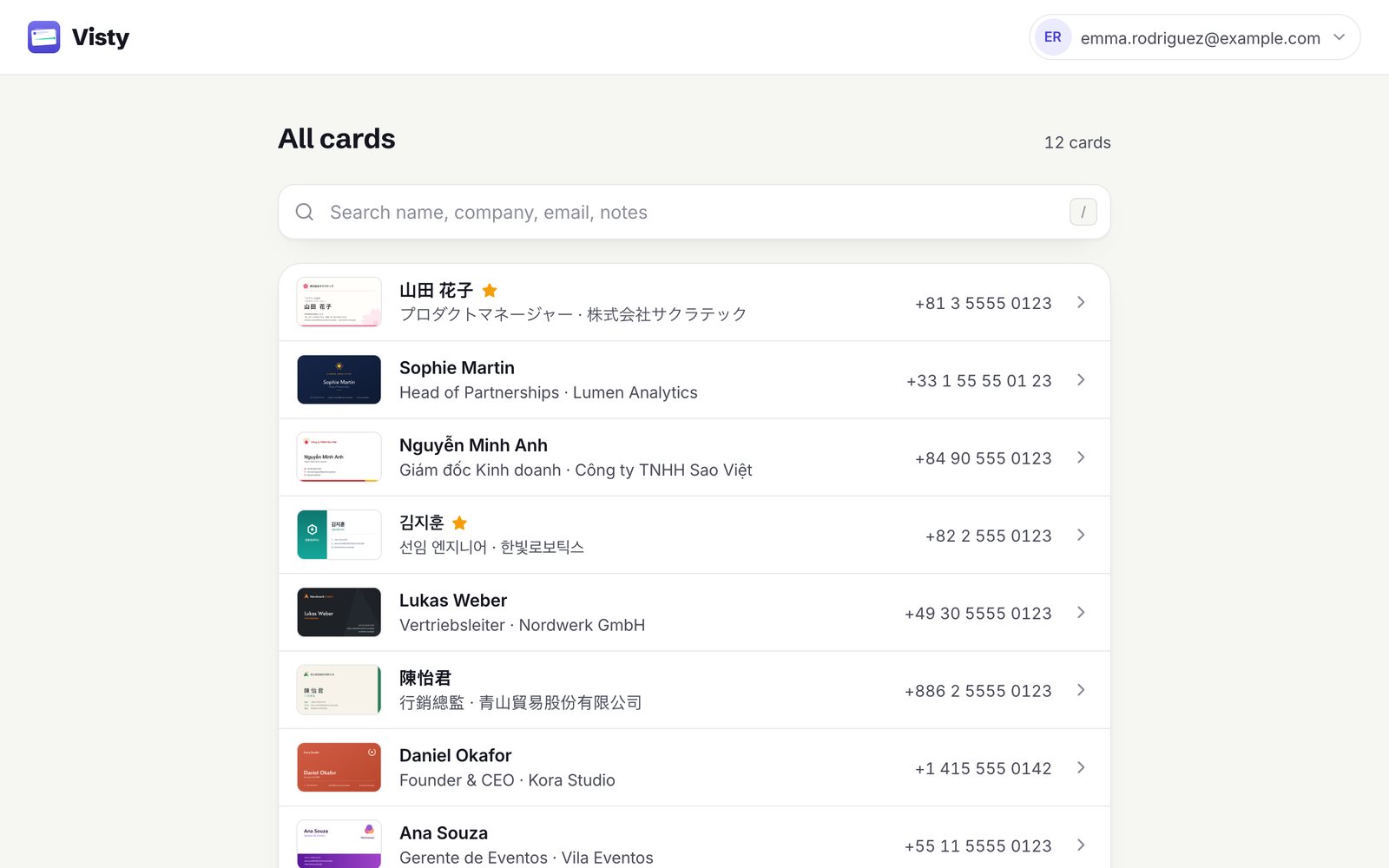
Keep all your contacts organized in a single, easy-to-access location.
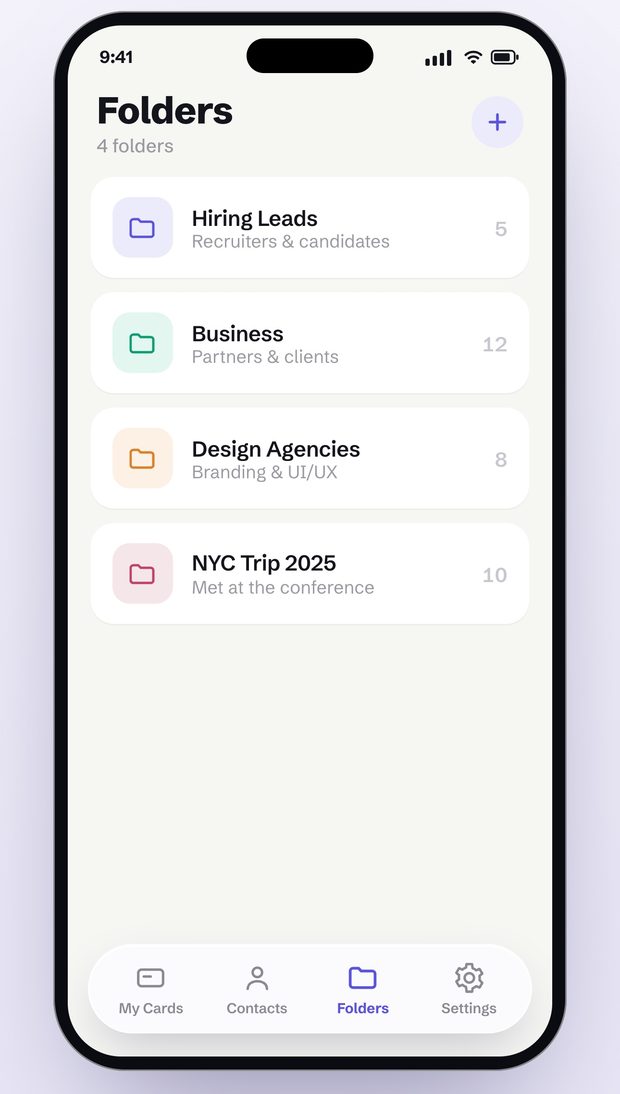
Smart Grouping and Filtering
Easily organize and filter your contacts based on your preferences.
Smart Search
Search for contacts by name, company, or any other field.

Secure & Easy Sharing
Share a card as a vCard or export your contacts to CSV, in formats every contacts app and spreadsheet understands.
vCard Sharing
Easily share your contact details with others in a universally accepted format.
CSV Export
Export your contacts to CSV for easy integration with other tools.
Encrypted in Transit
Your cards travel to your Visty account over encrypted HTTPS connections.

Frequently asked questions
Everything you need to know about getting Visty working for you. We're here to help anytime.
Turn your next stack of cards into contacts
Scan a card, check the details, and save it to your contacts — on iPhone and iPad.